Classes
Quick Links
Machine Embroidery | BERNINA Embroidery Software | Appliqué | Software Intermediate
VIRTUAL CLASSES — DOWNLOAD ON-DEMAND
V9 BERNINA Mastery Classes
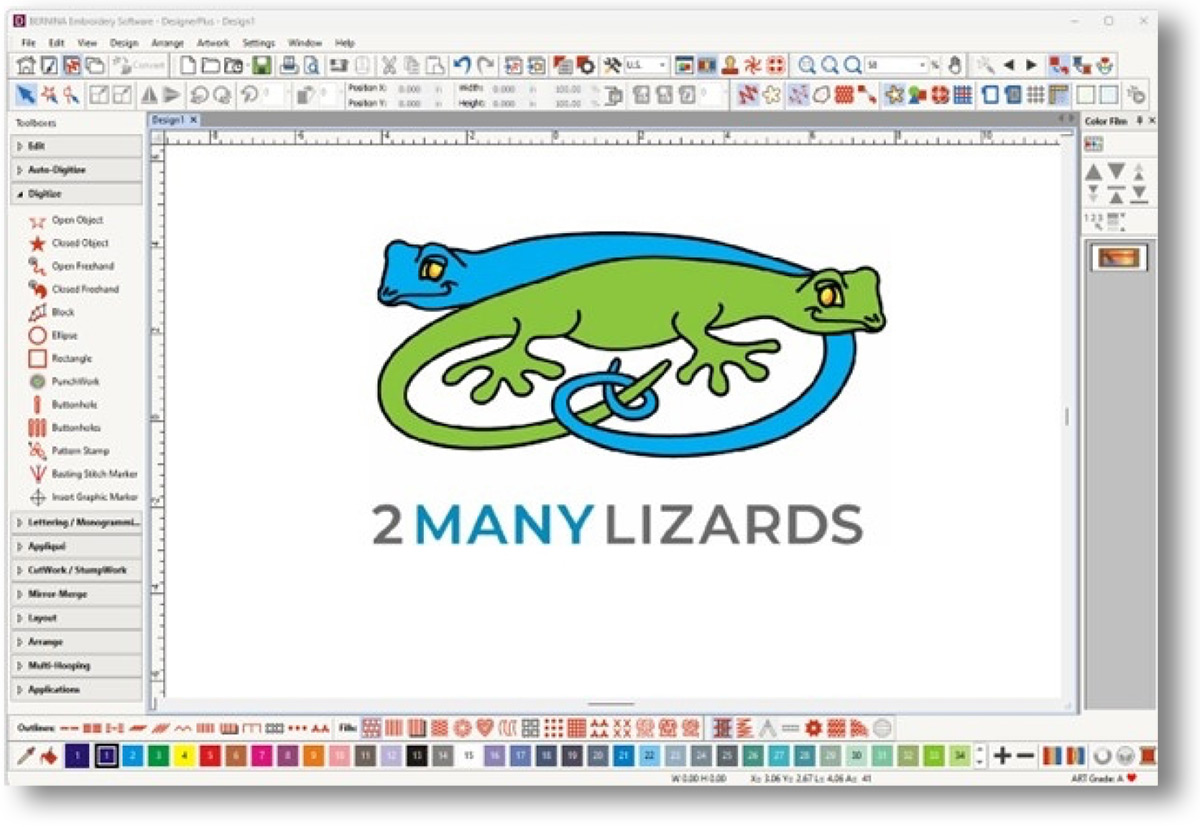
No experience needed. You will learn about every tool, effect and menu in the Embroidery canvas beyond what is in the BERNINA Mastery pages. Teri’s comprehensive version of teaching Software Mastery comes complete with extra handouts and videos to learn from. You work through one page at a time to understand how to use your software to its fullest potential!
V9 Creator version is 4 lessons — Classes 1 – 4
Classes are 3 hours per session (12 total hours of instruction)
V9 Designer version is 8 lessons: Classes 1 – 8
Classes are 3 hours per session (24 total hours of instruction)
Includes handouts, support files and recorded class videos which are available for on-demand access with no time limits.
CLICK SESSION BELOW to purchase
V9 Creator: $48
V9 Designer: $88
Learn V9 at your own pace
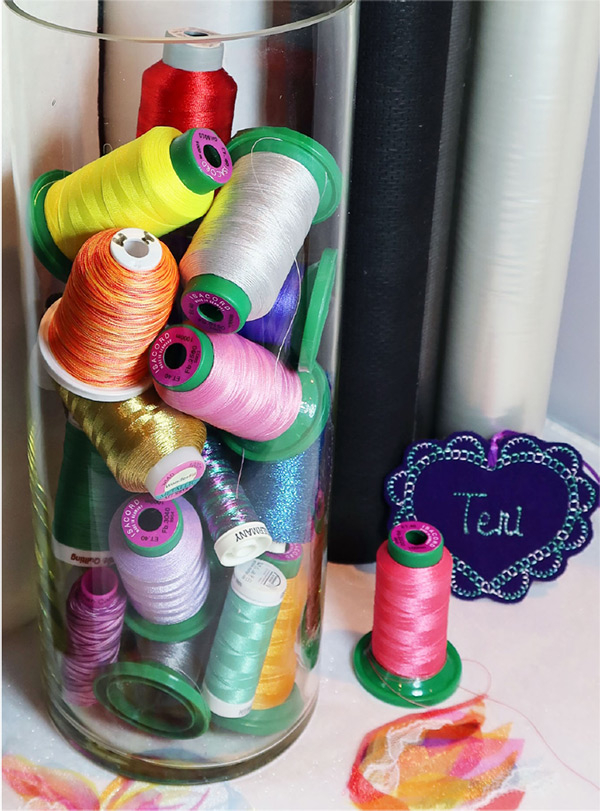
Threads Needles Tension Sewing Class
Any Brand, Make or Model of sewing or Sewing/Embroidery machine
Covering every sewing machine owner's favorite topics — Threads, Needles and Tension! Hands-on class where you figure out the best combination of the BIG 3 for your machine using the needles and thread you have on hand.
Includes handouts, support files and recorded class videos available for on-demand access with no time limits.
Sewing VS. embroidery: Which side of your BERNINA combo machine touse?
Which side of your machine does it better? Discover how embroidery can help improve your sewing skills! What is the best way to deal with those decorative stitches? All will be revealed as you discover how integrated the sewing and embroidery side can be! No software needed!
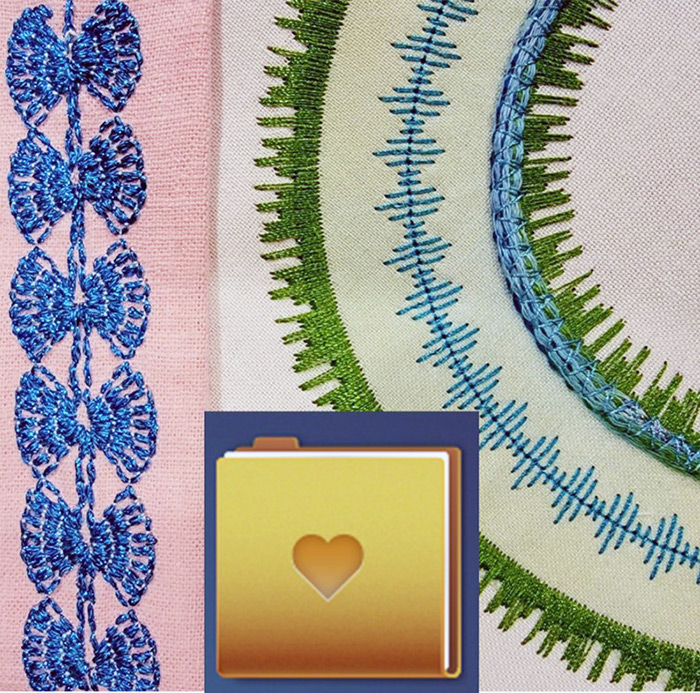
Your machine must have the folder in embroidery with a heart on it to take this class. Fall in love with your machine again!
Includes handouts, support files and recorded class videos which are available for on-demand access with no time limits.
Machine Embroidery
Embroidery Basics (Updated March 2026)
Any Brand, Make or Model of sewing or Sewing/Embroidery machine
Updated to include clamp hoops, magnetic hoops, and lasers. An overview of a variety of embroidery techniques are also included.
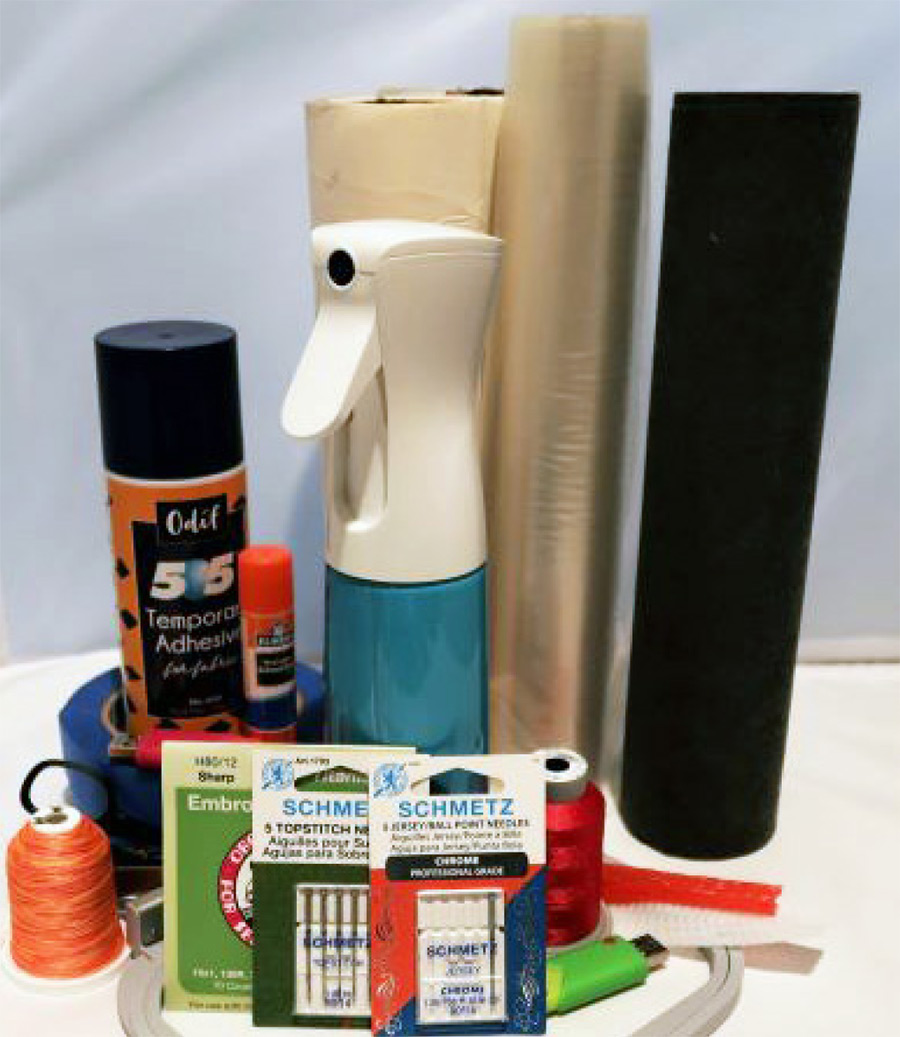
Class covers a wide selection of embroidery topics including essential supplies such as threads, needles, and stabilizers. Learn how to avoid common issues, like excess puckering. Finish with “how to embroider” a variety of common items. This all-inclusive class is your complete resource for today’s machine embroidery techniques.
Includes handouts, support files and recorded class videos available for on-demand access with no time limits.
BASIC Windows Computer Skills for the Embroiderer
Windows 8 and 10; Windows 11
Are you apprehensive about your computer skills? No need to learn it all, this beginner class concentrates on the computer knowledge needed to work with embroidery designs and fonts.
Includes handouts, support files and recorded class videos which are available for on-demand access with no time limits.

The BERNINA Embroidery Library
Windows 8 and 10; Windows 11
BERNINA V9 Designer / V9 Creator / V8 / V7 software
Stop buying extra software to organize your designs — you have what you need! Organize ALL your embroidery designs and clean up the embroidery clutter on your computer. Set up a file system and learn how useful the Embroidery Library can be!
If you do not know how to use File Explorer, please purchase and view the Basic Windows Skills Class first (listed below). You will get more out of the class if you can watch the sessions while using your computer. Please contact Teri if you have any questions.
Includes handouts, support files and recorded class videos which are available for on-demand access with no time limits.
BERNINA Embroidery Software
V9 BERNINA Mastery Classes
No experience needed. You will learn about every tool, effect and menu in the Embroidery canvas beyond what is in the BERNINA Mastery pages. Teri’s comprehensive version of teaching Software Mastery comes complete with extra handouts and videos to learn from. You work through one page at a time to understand how to use your software to its fullest potential!
V9 Creator version is 4 lessons — Classes 1 – 4
Classes are 3 hours per session (12 total hours of instruction)
V9 Designer version is 8 lessons: Classes 1 – 8
Classes are 3 hours per session (24 total hours of instruction)
Includes handouts, support files and recorded class videos which are available for on-demand access with no time limits.
CLICK SESSION BELOW to purchase
V9 Creator: $48
V9 Designer: $88
Learn V9 at your own pace
Digitizing Basics
BERNINA V9 Designer / V8 / V7 software
Efficiently create your own machine embroidery designs plus understand the secrets to a smoother stitch-out. Learn which tools put an end to gaps, splits and thread shredding.
Includes handouts, support files and recorded class videos which are available for on-demand access with no time limits.
“I have been using BERNINA software for over 10 years. Teri is an exceptional instructor. I have attended numerous instructional classes from her and gained an enormous amount of knowledge of the software. She makes the classes so much fun with her wittiness and experiences.”
— BARBARA GONZALES
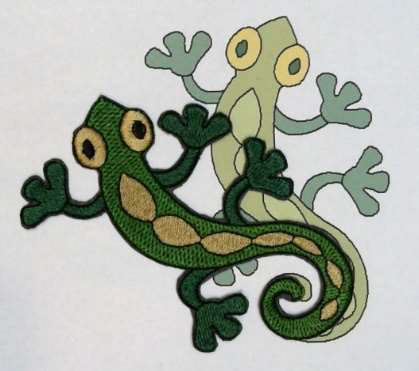
The Lizard – Graphics to Designs Class
BERNINA V9 Designer / V9 Creator / V8 / V7 software
Learn how to create designs from graphics using the Auto Digitizing tools. The class explains many digitizing concepts and the videos and handouts are version specific.
Includes handouts, support files and recorded class videos which are available for on-demand access with no time limits.
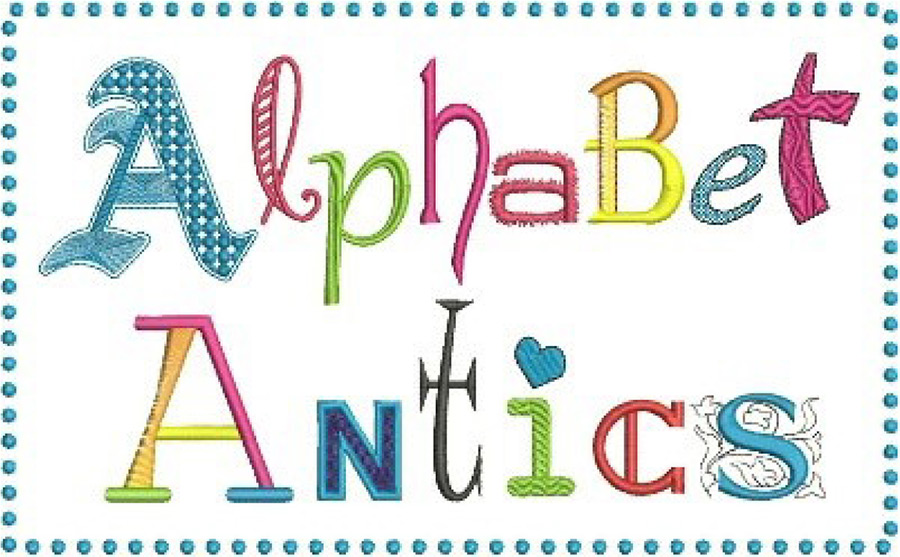
Alphabet Antics
BERNINA V9 Designer / V9 Creator / V8 / V7 software
Who knew that lettering could misbehave?! Updated workshop that is all about lettering, effects and characters!
Includes handouts, support files and recorded class videos which are available for on-demand access with no time limits.
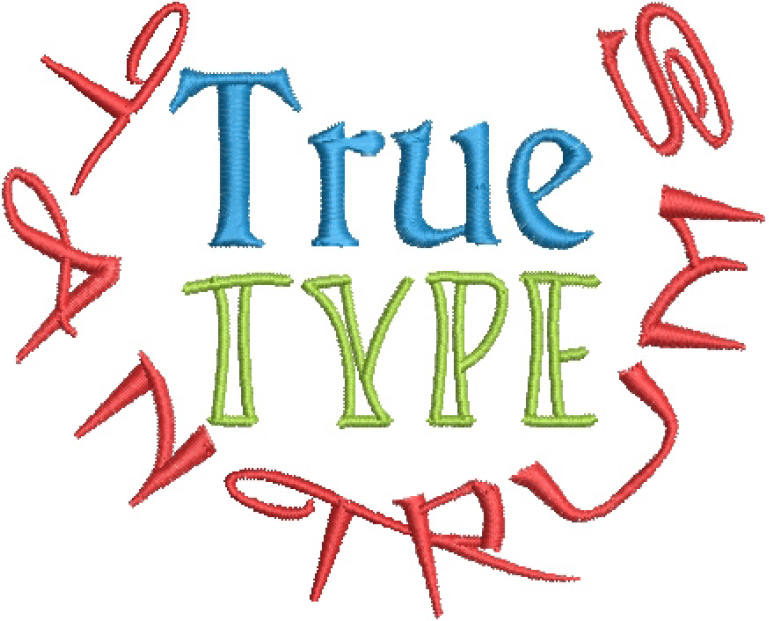
True Type Font Tantrums
BERNINA V9 DESIGNER / V9 Creator / V8 / V7 software
Learn how to discipline those unruly True Type fonts for the best embroidered stitch-out. One-hour class includes embroidery tips and tricks with fonts to avoid puckers.
Includes handouts, support files and recorded class videos available for on-demand access with no time limits.
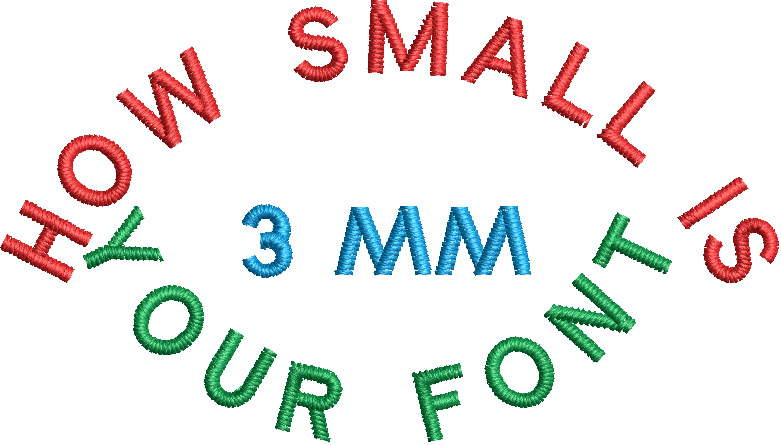
Small Font Creations!
BERNINA V9 Designer / V9 Creator / V8 / V7 software
Learn how to create small fonts for logos, uniforms, etc. The main goal is always legibility. Discover which fonts, individual settings and letters are needed to GO SMALL.
Includes handouts, support files and recorded class videos which are available for on-demand access with no time limits.
Entwined Monogram
BERNINA V9 Designer / V8 / V7 software
Learn sequencing tips and tricks for the smoothest stitch-out to achieve that classic monogram design. Discover the Artwork Canvas tools needed to add an extra dimension with entwined letters.
Includes handouts, support files and recorded class videos which are available for on-demand access with no time limits.

An Ornamental A
BERNINA V9 Designer / V9 Creator / V8 / V7 software
Learn the useful techniques of proper sequencing and efficient traveling by manually creating an ornamental letter.
This class concentrates on important manual digitizing skills that can be applied to any design.
Includes handouts, support files and recorded class videos which are available for on-demand access with no time limits.

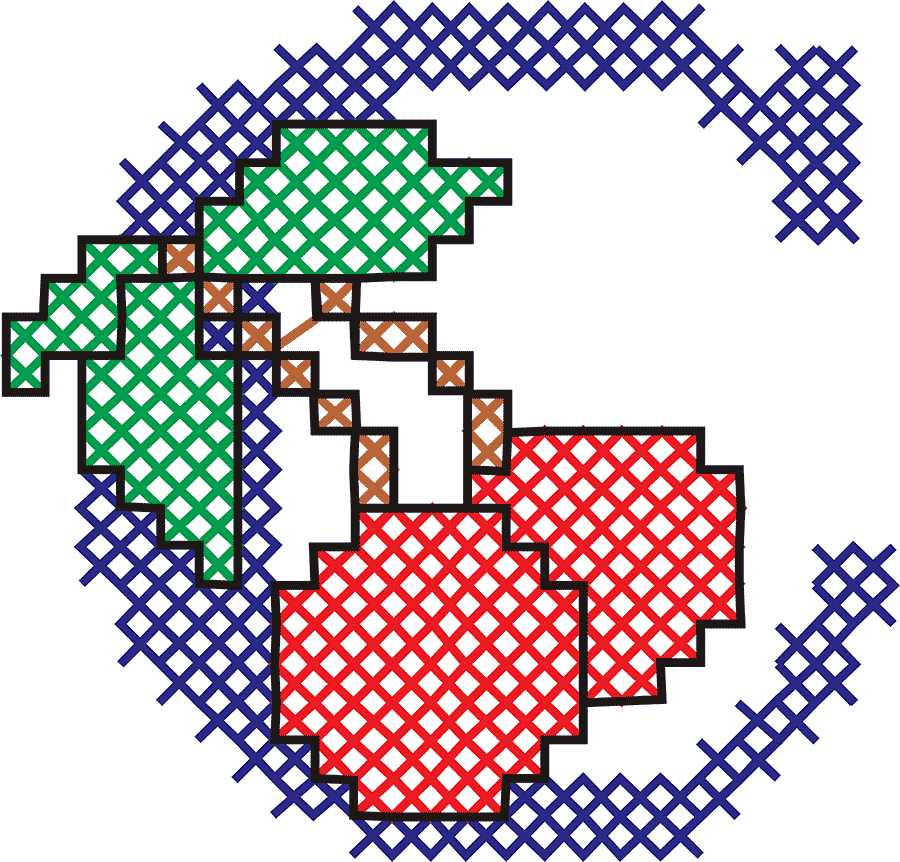
The Cross Stitch Class
Learn to use your cross stitch program!
BERNINA V9 Designer / V8 / V7 software
This class explores the BEST ways to create those memorable cross stitch designs using your BERNINA Designer V7 V8 V9 Designer Software. Class will also cover stabilizers, hooping for success, fabric counts and threads. No experience needed!
Includes handouts, support files and recorded class videos which are available for on-demand access with no time limits.
Appliqué
Appliqué Software Primer
BERNINA V9 Designer / V9 Creator / V8 / V7 software
Use the correct tool to create the appliqué you desire. Class covers how to create appliqué from purchased patterns. Set up the files needed for the different stages and understand your personal offset.
Includes handouts, support files and recorded class videos which are available for on-demand access with no time limits.

Appliqué to SVG
BERNINA V9 Designer / V9 Creator / V8 / V7 software
Discover how to effortlessly produce a cut file from any appliqué design using BERNINA Embroidery Software! This class walks you through the whole process.
Includes handouts, support files and recorded class videos which are available for on-demand access with no time limits.

“I made an svg file from an embroidery design, cut out the cardinal and stitched it. Perfect fit! Thank you, Teri!”
— WENDY BAIN
Designing Appliqué from Graphics/Patterns
BERNINA V9 Designer / V9 Creator / V8 / V7 software
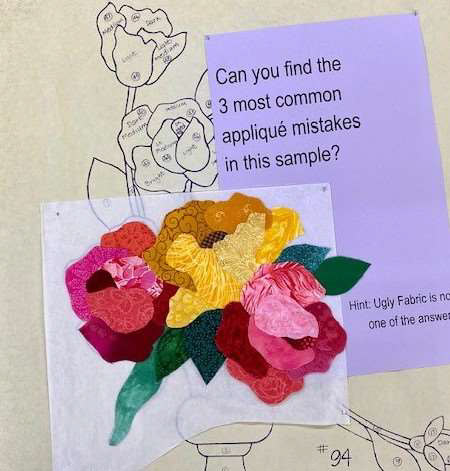
Learn my easy method for effective placement and color theory for Machine Appliqué, including where and when to use embroidered design components and embellishments.
Includes handouts, support files and recorded class videos which are available for on-demand access with no time limits.
Cut the Fabric
Requires an electronic cutting machine such as the Silhouette, Cricut, Scan ‘n’ Cut, etc.
Learn the tricks to perfect fabric cuts using SVG files and your cutting machine. No special machine, blades or mats needed! Learn to use what you already own.
Includes handouts, support files and recorded class videos which are available for on-demand access with no time limits.

“I was content to leave my Cameo under its dust cover forever but now you’ve done it! I followed your techniques and my cutter behaved itself for the first time in history!”
— MARLYS COCOZZOLI
Die-Cut Embroidery Creations
BERNINA V9 DESIGNER / V9 Creator / V8 / V7 software
Requires a Flat Bed Scanner (can be a Printer/Scanner) and any Die cutting machine such as Go, Sissix, etc.
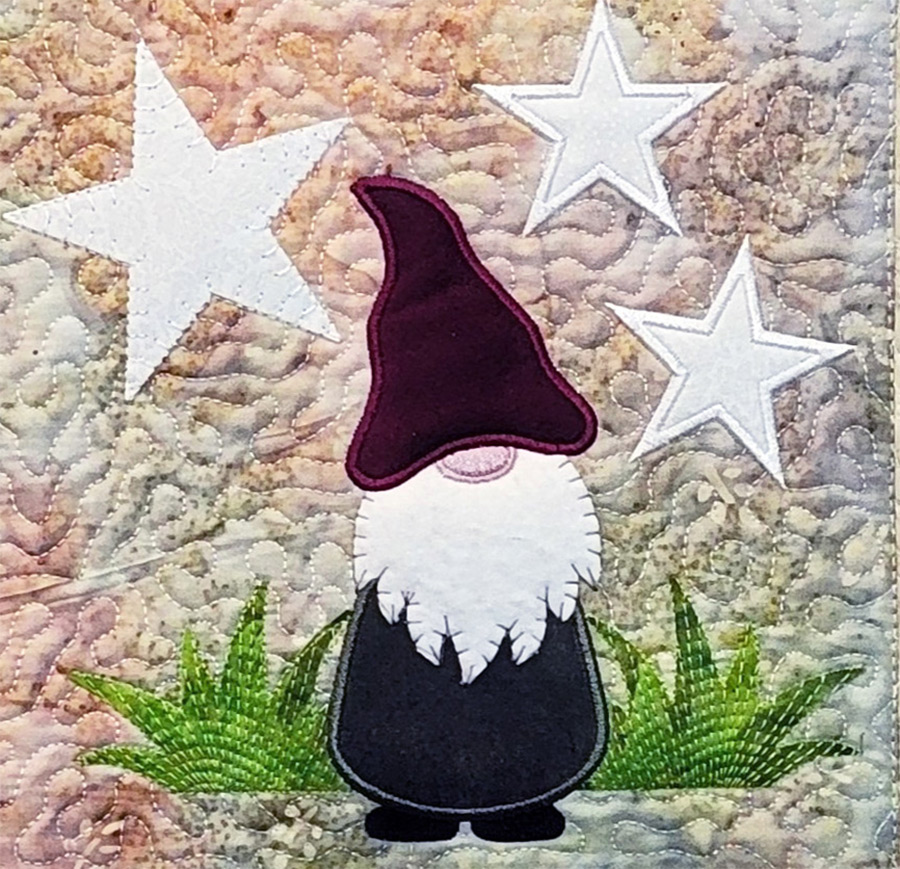
Love your die cutter, but wish you could create different sizes or different embroidery to complement your shapes? Also covered is how to fix the free companion embroidery designs so they line up with pre-cut shapes.
Includes handouts, support files and recorded class videos which are available for on-demand access with no time limits.
Software Intermediate
Complex Outlines
BERNINA V9 Designer / V9 Creator / V8 / V7 software
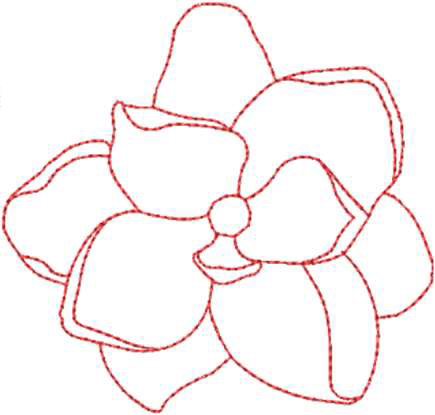
A well-digitized outline is always a double run! Some graphics and designs are too complex for the Outline tool or Corel and are faster to create manually. This class takes you through the planning, traveling and step-by-step creation of complex outlines.
Class includes two step by step handouts, 2 videos, graphics and other resource material for on-demand access with no time limits.
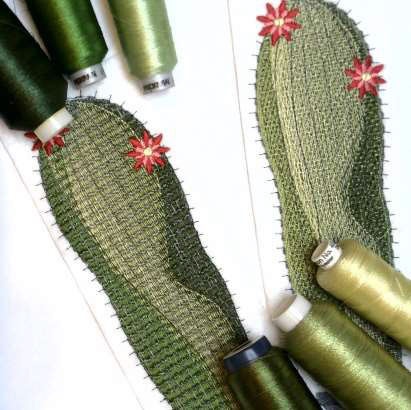
The Cactus – Color Blending and Shading
BERNINA V9 Designer / V8 / V7 software
A study of the different effects with stitch spacing and using the Color Blending Tool.
Class includes a step-by-step handout, video, and other resource materials for on-demand access with no time limits.
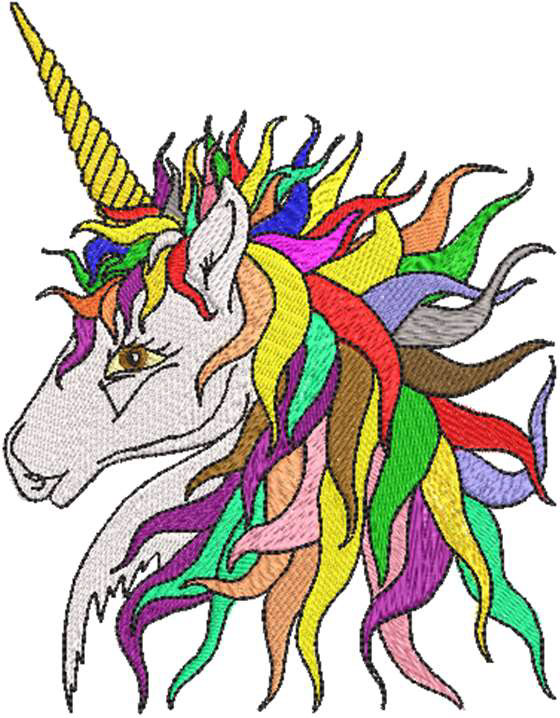
The Unicorn – Study of Thread Types, Weights, and Colors
BERNINA V9 Designer / V9 Creator / V8 / V7 software
With so many different embroidery threads on the market — this class is a study of visual effects achieved from different thread weights, stitch spacing, and color placement in embroidery designs.
Class includes a step-by-step handout, video, and other resource materials for on-demand access with no time limits.